Screenshot: the FAQs list where you can add new questions, search existing ones, and manage which FAQs are active.
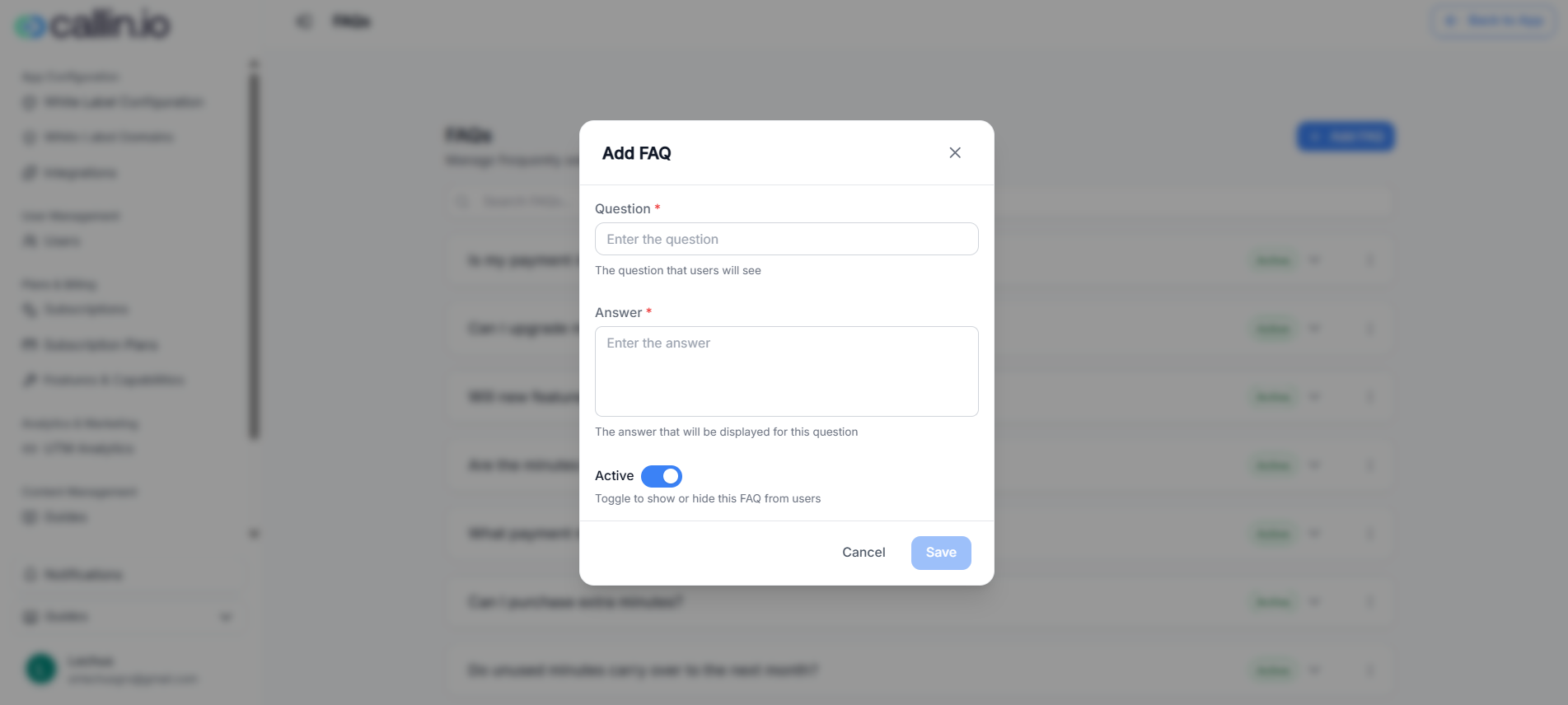
## How FAQs work Each FAQ is made of: * **A question** (what the user reads) * **An answer** (your official explanation) * An **Active** toggle/status (so you can show or hide it) When an FAQ is active, it can be shown to your sub-accounts inside the app (exact placement can vary depending on your setup). > **Tip:** Keep answers short and direct. If a topic is long, link to your documentation in the **Guides** section instead. ## Add a new FAQ 1. Click **Add FAQ**. 2. Fill in: * **Question**: write it exactly like a user would ask it. * **Answer**: give a clear, friendly answer in 3–6 lines. 3. Leave it as **Active** if you want it visible immediately. 4. Click **Save**. > **Common mistake:** Writing answers like internal notes. FAQs should be customer-friendly and avoid technical jargon. ## Examples you can copy and adapt Below are realistic FAQ examples (with sample answers) you can use as a starting point. ### Example 1: Plan upgrades **Question:** Can I upgrade my plan anytime?\ **Answer:** Yes. You can upgrade at any time. The new plan will apply to your next billing cycle. If anything changes immediately in your account, you’ll see it reflected right away. ### Example 2: Buying extra minutes **Question:** Can I purchase extra minutes?\ **Answer:** If your plan allows additional minutes, you can buy extra minutes once you reach your included limit. The extra minutes are charged at the rate defined in your plan. ### Example 3: Unused minutes **Question:** Do unused minutes carry over to the next month?\ **Answer:** In most cases, unused minutes do not roll over. Your monthly minutes reset at the start of each billing cycle. (This can vary depending on your plan rules.) ### Example 4: Payment issues **Question:** My payment failed—what happens now?\ **Answer:** If a payment fails, your subscription may move into a payment-due state until the issue is resolved. Update your payment method and try again. If you need help, contact support. > **Important:** If you mention rules like rollover or grace periods, make sure they match how your billing is configured. ## Managing existing FAQs From the FAQs list you can typically: * **Search** for a question using the search bar. * **Activate/Deactivate** an FAQ to show or hide it. * **Edit** a question/answer if your policies change. > **Tip:** Review your FAQs once a month. The best FAQs evolve based on what your support team gets asked the most.